
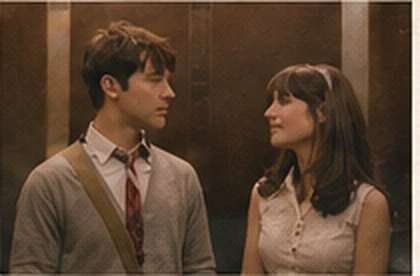
A little preparation.
Choose two clear, individual photos that you have permission to use. Sign in before uploading. Review current pricing and your chosen aspect ratio in the creation room.
Create Your Elevator Video
Choose Photos
Select a JPG, PNG or WebP image for each character, up to 10 MiB per photo. The preview lets you check the selected image; it does not verify face quality.
Assign Roles
The Listener wears headphones. The Speaker begins the conversation. Use Swap roles to exchange the two inputs.
Review the Video Format
Choose Landscape 16:9, Portrait 9:16 or Square 1:1 at 720p, with one MP4 per generation. It costs 1 credit. A video pack provides credits for separate generations, rather than starting a batch automatically.
Review the Cost
Check the total credit charge, audio, watermark and retention information. Confirm your permission to feature both people.
Generate and Download
Submit once. Follow the existing task here or in My Videos. Play and download each available result before its displayed expiry.
One scene, in a cinematic frame.
Choose Landscape 16:9, Portrait 9:16, Square 1:1. Every aspect ratio uses 720p and costs 1 credit per video. Each generation produces one single-scene MP4; portrait output does not repeat the scene above and below.
All video packs support all three ratios at the same credit cost. Choose the ratio before submitting each generation. Play or download the result from My Videos before its displayed expiry.
If something goes wrong.
The photo will not open
The characters are reversed
The crop or audio is not what I expected
My video does not match the advertised quality
The request timed out
Generation failed
The download has expired
Questions About the Trend
The phrase recalls the elevator introduction in (500) Days of Summer. This is an independent AI tool, without affiliation to the film or The Smiths. The original movie and soundtrack are not offered for download.