Skip to content
Original editorial artwork of two fictional young adults sharing a glance in a warm elevator; one wears headphones
Original editorial artwork · Not a generated video
The elevator moment

I Love The Smiths AI Video Generator

One glance. One shared taste.
A moment that felt like fate.

Upload two photos, choose who listens and who speaks, and make this cinematic elevator moment your own.

01 / The creation room

Create your elevator video.

One template, two characters, one cinematic moment. Make the scene yours.
Current templateI Love The Smiths — Elevator Scene
Two character roles
01. Add your characters *

One clear photo per person. JPG, PNG or WebP · Up to 10 MiB each. Photos are deleted within 72 hours and are not used for model training. Read photo privacy details

See the scene come to life

Real generated example · 16:9 · 720p · 15 seconds. Your ratio selection applies to your new video, not this example.

View the original input photos ↗
Review cost and permission
Cost: 1 credit total (1 video)Audio: Included

No watermark · Download promptly; output files are retained for up to 72 hours. Failed generations restore their credit charge once confirmed.

15 seconds · Usually about 10 minutes · No watermark · Completion email

Video details & delivery

Formats & quality. Choose Landscape 16:9, Portrait 9:16, Square 1:1. Every aspect ratio uses 720p and costs 1 credit per video. Each generation produces one single-scene MP4; portrait output does not repeat the scene above and below.

Video length. Each generation produces one 15-second video. Clip length is fixed and is not selectable.

Generation & email. Generation usually takes about 10 minutes. Track generation progress in My Videos. We send a completion email to your account email address when your video is ready. Preview and download your video from My Videos.

Watermarks. Generated videos are delivered without a watermark.

Audio & usage. Generated videos include audio. A purchase does not license music, film dialogue, recordings or another person’s voice. Before publishing or commercial use, obtain the necessary rights, or remove or replace audio you are not authorized to use.

Sign in before uploading. If you leave this page to sign in, you’ll need to select your photos again.

02. Choose your aspect ratio *

All ratios · 720p · 1 credit per video

Sign in to create

Check both roles and the full cost. Each new generation is a separate paid task.

Alibaba Wan · How your photos are used

Video generation model: Alibaba Wan (WAN). Our AI service provider uses your uploaded photos, the scene prompt and selected settings to generate a new video with Alibaba Wan. Original uploaded photos are deleted by our processing provider within 72 hours of upload. Account, task and payment records follow separate retention rules. Your uploaded photos are not used to train or fine-tune AI models, including by our processing provider. To request deletion, email support with your account email and task ID; requests are reviewed manually. Removing a photo from the form does not delete a copy already uploaded. Model and privacy details · Content rules · Report misuse

02 / Your film reel

Preview & download, right here.

Your result stays on this page. My Videos keeps your ongoing and past tasks together.

Your scene will appear here.

Your completed videos will be ready to preview and download.

From first frame to final cut

One moment. Your own story.

After you create a video, follow its progress here. You can come back to it later in My Videos.

Open My Videos
03 / A scene in three steps

From two photos to a movie moment.

A familiar scene, with you at the center.
01

Upload Two Photos

Choose a clear photo of each person you have permission to feature.

02

Assign the Roles

One Listener, one Speaker. Preview your photos and swap the roles if you like.

03

Generate & Download

Choose 16:9, 9:16 or 1:1, review the 1-credit cost, then follow your 720p video through to download.
04 / Your video format

One moment. A cinematic frame.

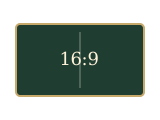
Choose Landscape 16:9, Portrait 9:16, Square 1:1. Every aspect ratio uses 720p and costs 1 credit per video. Each generation produces one single-scene MP4; portrait output does not repeat the scene above and below.
Landscape layout illustration

Landscape 16:9 · 720p

One 720p video (1280 × 720), with one cinematic scene in a landscape frame.

Layout illustration · One video per generation
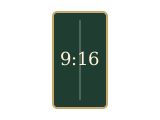
Portrait layout illustration

Portrait 9:16 · 720p

One 720p video with a single scene in a vertical 9:16 frame.

Layout illustration · One video per generation
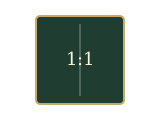
Square layout illustration

Square 1:1 · 720p

One 720p video with a single scene in a square 1:1 frame.

Layout illustration · One video per generation
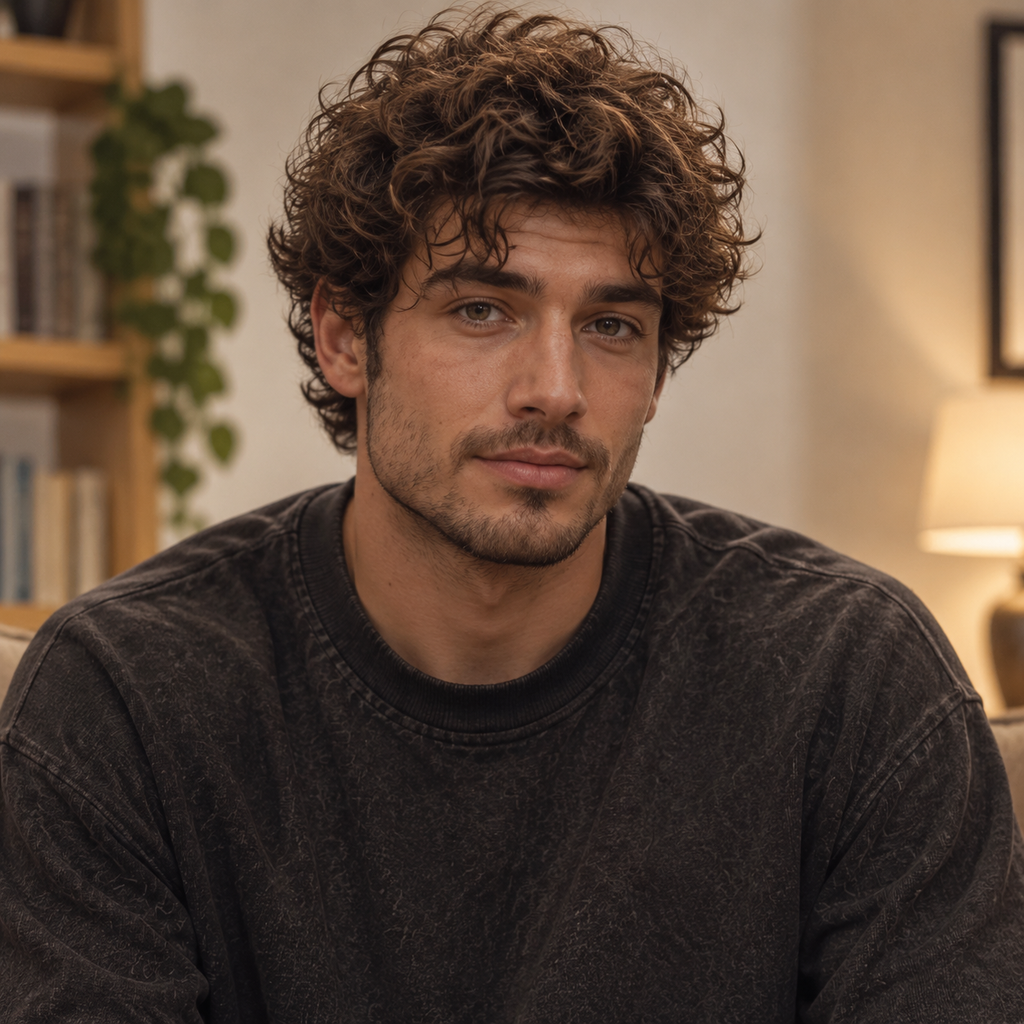
05 / The screening room

Every scene starts with a little imagination.

See the two original input photos and the AI-generated elevator video they produced, in Landscape 16:9 at 720p.
A familiar line. A new story.

Why does this elevator moment feel so special?

One shared song can make a stranger feel familiar. In (500) Days of Summer, a brief elevator conversation sparks Tom’s hope that a shared love of The Smiths might mean something more.

The bittersweet part comes later: sharing a taste in music doesn’t mean sharing the same hopes for a relationship. Tom’s disappointment doesn’t mean Summer set out to deceive him.

“I thought we were listening to the same song. I didn’t know we were living different stories.”Our original brand line · Not film dialogue

Your scene can start with a partner, a friend, or someone who makes you smile. Two photos. A fleeting connection. A story that’s yours to imagine.

We are not affiliated with the film, its creators, or The Smiths. We do not provide the original film or song for download.
Illustrated city facade in warm evening lightIllustrated skyline in a muted vintage palette

Original editorial artwork.

Before the first take

A few things to know.

How do I make an I Love The Smiths AI video?
Upload one photo for the Listener and one for the Speaker. Choose your aspect ratio, review the credit cost, and generate your video. Once it is ready, preview and download the MP4 from My Videos. Follow our step-by-step tutorial for the full process.
Can I generate an I Love The Smiths AI video for free?
This generator uses paid credits. Each video costs 1 credit. One-time packs are $9.90 for 1 video, $19.90 for 3 videos, or $29.90 for 5 videos (USD). There is no subscription or automatic renewal. See pricing and credits.
Can I make the video without CapCut?
Yes. Upload your photos and generate the video directly on this website. No CapCut template or editing app is required. You can optionally edit the downloaded MP4 afterward.
Does the AI-generated video include audio?
Yes. Generated videos include audio. A purchase does not license music, film dialogue, recordings or another person’s voice. Before publishing or commercial use, obtain the necessary rights, or remove or replace audio you are not authorized to use.
Can I make a vertical video for TikTok?
Yes. Select Portrait 9:16 before generating. Download the finished MP4 and upload it to TikTok, Instagram Reels, or YouTube Shorts. Landscape 16:9 and Square 1:1 are also available. Each generation produces one single-scene 720p MP4. Generate each video separately.
What photos should I use?
Use one clear photo per person. Choose JPG, PNG or WebP files up to 10 MiB each, and confirm you have permission to feature both people.
Can I choose who speaks?
Yes. Assign the Speaker and Listener before creating. Swap roles exchanges the actual photos sent for those characters.
What if a generation fails?
A confirmed failed generation restores its credit charge. If a submission is still being checked, follow the original task instead of starting another.
How long is the video, and how long does generation take?
Each generation produces one 15-second video. Clip length is fixed and is not selectable. Generation usually takes about 10 minutes. Track generation progress in My Videos. We send a completion email to your account email address when your video is ready. Preview and download your video from My Videos.
Will my video have a watermark?
Generated videos are delivered without a watermark.
When are my photos deleted? Are they used for training?
Original uploaded photos are deleted by our processing provider within 72 hours of upload. Account, task and payment records follow separate retention rules. Your uploaded photos are not used to train or fine-tune AI models, including by our processing provider. See Privacy Policy or Contact & Support to request deletion.
Can I get a refund?
Completely unused packs: request a full refund within 7 calendar days of purchase. Used or partly used packs are generally non-refundable, subject to billing errors, delivery failures and applicable law. Confirmed failed tasks restore credits once; this is not an automatic cash refund.
Where can I find my videos?
Sign in and open My Videos for your task history and available downloads. File availability and expiry are shown with each result.